

BEI Monthly Newsletter – May: Password Season
Spring is in full swing, which makes May the perfect time to revisit some of our everyday tech habits especially the ones we tend to set and forget.
This month’s theme is Password Season, a reminder that strong security doesn’t have to be complicated or time‑consuming. A little cleanup now can go a long way in preventing account issues, security alerts, and unwanted surprises down the road.
Here’s what we’re sharing this month:
- Featured Blog: Is That Microsoft Call Real or Scam?
- Copilot Quick Prompts – Tips & Tricks
- Cybersecurity Gamification
- Announcement: Memorial Day Office Closure
- Ask BEI: Tech Questions, Answered.
- What’s New in Microsoft
- Cybersecurity Corner: Password Cleanup Season
💬 We’d love to hear from you! If there’s a topic you’d like us to cover or a question you want answered, feel free to suggest it. This newsletter is for you—and your input helps us make it even better.
Featured Blog: World Password Day: Why Strong Passwords Still Matter in 2026
Strong passwords are still one of your first lines of defense.
In recognition of World Password Day last May 7, our blog explores why password security remains critical in 2026 and how evolving threats continue to put weak credentials at risk.
Copilot Quick Prompts – Tips & Tricks
Here are a few quick Copilot wins you can try this month of May:
“Summarize this email thread and list action items.”
Copilot can summarize long conversations or email threads, highlighting important information.
“Turn this document into a short, professional email.”
You can use Copilot to quickly shorten a document. However, always remember to handle confidential documents with care and avoid using AI tools for them.
“Create a simple checklist from this policy or procedure.”
Use Copilot to get clear answers quickly and easily, without any additional work. But remember to always review and spot check for errors.
Ask BEI: Tech Questions, Answered.

What’s New in Microsoft?
Copilot improvements across Microsoft 365
Smarter responses and better context mean less prompt‑tweaking and better results.
More security visibility in Microsoft accounts
Easier ways to review sign‑ins and suspicious activity help users stay informed.
Ongoing enhancements to Teams meeting
Small updates that make meetings smoother, clearer, and easier to manage.
Cybersecurity Corner: Password Cleanup Season
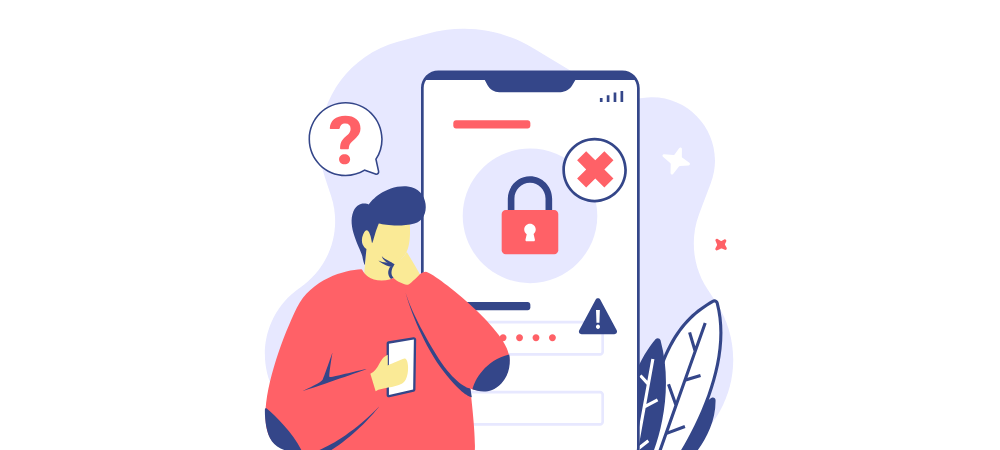
Spring is an ideal time to review and refresh your passwords, especially for accounts that haven’t been used recently. Over time, we accumulate logins for countless services, and forgotten passwords can leave these accounts exposed. Spending just a few moments updating old credentials can help secure your information and reduce the risk of unauthorized access.
Using a password manager is a smart way to generate and store strong, unique passwords for all your accounts. Not only does it simplify the process but also make it much harder for hackers to exploit reused passwords.
Regular password maintenance is a simple habit that pays off in the long run. Making password cleanup part of your spring routine helps safeguard your accounts. Staying alert with password hygiene and using tools like password managers and MFA can make a big difference in your cybersecurity.
🛠 We’re Always Here for You
If you’re experiencing any IT issues—big or small—and if you are looking for an MSP in the D.C. Metro Area, don’t hesitate to reach out. Whether it’s a quick fix, a system concern, or just a question about best practices, our team is ready to help.
📧 Email us anytime at sales@beinetworks.com
📞 Or give us a call at your usual support number 703.528.8300
Your uptime, security, and peace of mind are our top priorities. Let us know how we can support you today.
